
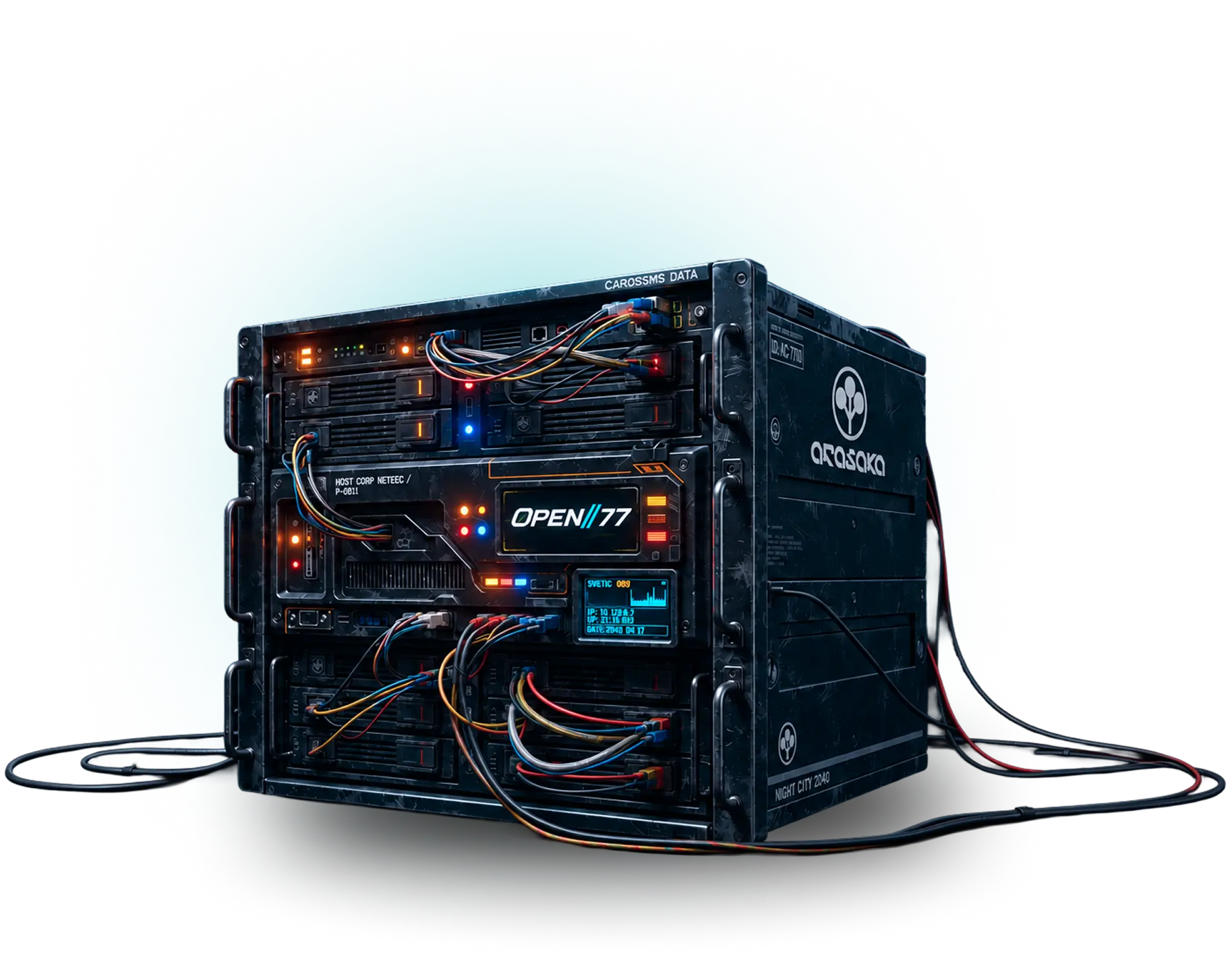
Host a server · OPEN//77 dedicated server
Host your own server
Everyone with Alpha access can download the dedicated server and start building. No separate developer application. License it to your account and create your own gamemode. The host machine never needs Cyberpunk 2077 installed.
Official builds only: download the server from this page or the official CDN, nowhere else. Each archive lists its SHA-256 so you can verify what you run.
- Windows server64-bit · .zip archive
- Linux server64-bit · .tar.gz archive
- Who can downloadEvery Alpha account, and staff
- Runs onYour hardware or a rented machine
Self-contained downloads
Everything in the archive.
Configure your license and reachable endpoints; no Cyberpunk 2077 installation is needed on the server machine.
What a server gives you- The dedicated server, with the .NET runtime included
- Freeroam, ready to play, and its system resources
- Warden, the first-run wizard and the web admin panel
- The Lua 5.4 runtime for your own resources
// Checking Alpha access loading...
- Windows (x64) · .zip · 67.2 MB
- Linux (x64, Debian) · .tar.gz · 71.5 MB
Stable is recommended. Unstable is a separate, opt-in server channel for testing; the launcher has its own version.
Getting started
From download to open doors.
The same four steps for a local test server and a public one. Start with the included Freeroam, then make it yours.
Mint a license key
Create one in the keymaster. It ties the server to your account and is shown once, so keep it somewhere safe.
Unpack and configure
Extract into a new folder and run
Start.cmdon Windows or./start.shon Linux. Warden's first-run wizard createsserver.jsoncwith your server name, visibility and public endpoints.Configure your license
Supply your license in setup, or keep it in
OP77_LICENSE_KEYwhen configuring the server manually. The master URL defaults tohttps://master.open2077.net/.Run it
Open the game and resource-download ports, then start the configured server. Public servers register with the master so Alpha players can discover and join them.
Running a public server?
Before you host
What you need.
The game is not needed
A dedicated server runs independently of Cyberpunk 2077, REDengine and the client plugin. It never loads game content and never needs a copy installed.
Windows x64 or Linux x64
Both official packages include the .NET runtime and native networking dependencies. No separate .NET installation on the host; the setup guide lists the OS-level prerequisites.
Your players still need the game
Everyone who connects needs Cyberpunk 2077 2.31 + Phantom Liberty DLC on their own machine, plus Alpha access. Hosting changes nothing about that.
Questions
Do I need special developer access?
I am signed in but see no downloads.
/alpha apply in any channel on our Discord.Where does the license key go?
OP77_LICENSE_KEY when configuring the server by hand. The licensing guide covers activation. Never paste keys into public scripts or screenshots.How do I update an existing server?
Next steps
Hosting tools.
Warden, the admin panel
Set up, monitor and administer your server from its web panel: players, resources, Workshop installs.Meet WardenThe Lua API
Vehicles, blips, NPCs, weather, interactions: the same permission-gated natives OPEN//77's own resources are built on.Lua API referenceResources
The resource format, the manifest, and the lifecycle of a package your server loads and streams to players.Resources & scriptingHere to play?
Players need the launcher, not this archive. It signs you in, checks your game and takes you to the server browser.Get the launcher